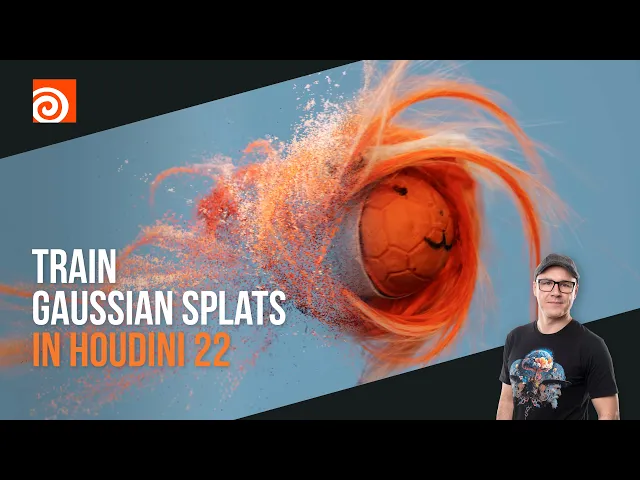
Gaussian Splatting in Houdini 22: From iPhone Scan to Karma Render
Jul.2026
Read Article
↓
↓

Insights into Houdini, FX, and motion design workflows.
Gaussian Splats are one of the fastest ways to bring real-world objects into a 3D scene. With Houdini 22, the complete pipeline from training to final render happens inside Houdini. All you need is an iPhone for capture and COLMAP for solving the cameras.
1. Capture
Scan the object with your iPhone, then extract every 30th frame from the scan video. This gives you an image sequence with enough overlap for training, without redundant data.
2. Camera Data in COLMAP
COLMAP aligns the images and generates the camera positions and point data that Houdini uses as the training base.
3. Training in TOPs
The ML Gaussian Train node in TOPs trains the splat directly in Houdini. No external training tool required.
4. Bakesplat & Cleanup
After importing the trained splat, Bakesplat lets you work with it natively in Houdini. Blasting away unnecessary points isolates the scanned object from its surroundings.
5. Render in Solaris
The cleaned splat is imported into Solaris and rendered quickly with Karma.
Why this workflow matters
One environment from training to final render, with no round trips between applications
Splats become data you can edit procedurally: clean, isolate and place them like any other asset
A repeatable setup that works for any object you can scan
The full step-by-step walkthrough is available on YouTube. Want the complete project, including the trained splat, COLMAP data and Houdini scene file? Get it for free on Patreon. COLMAP is available on GitHub.
SHARE ARTICLE